
This section describes how to add accessories to the primasello cash register and activate them for use.
Receive licence key
If an accessory for the primasello cash register is ordered from a retailer, a product code is included in the packaging. This code can be used to receive the licence key.
On the activation website, the product code and serial number of the respective device have to be entered.
The licence is then activated and the 24-digit licence key is displayed. This licence key has to be entered into the device and can only be used once.
Enter licence key
For the input of a licence key, press the 'Devices' button in the main menu. Under the 'Add-on Modules' section, a list of all active and inactive additional modules is displayed.
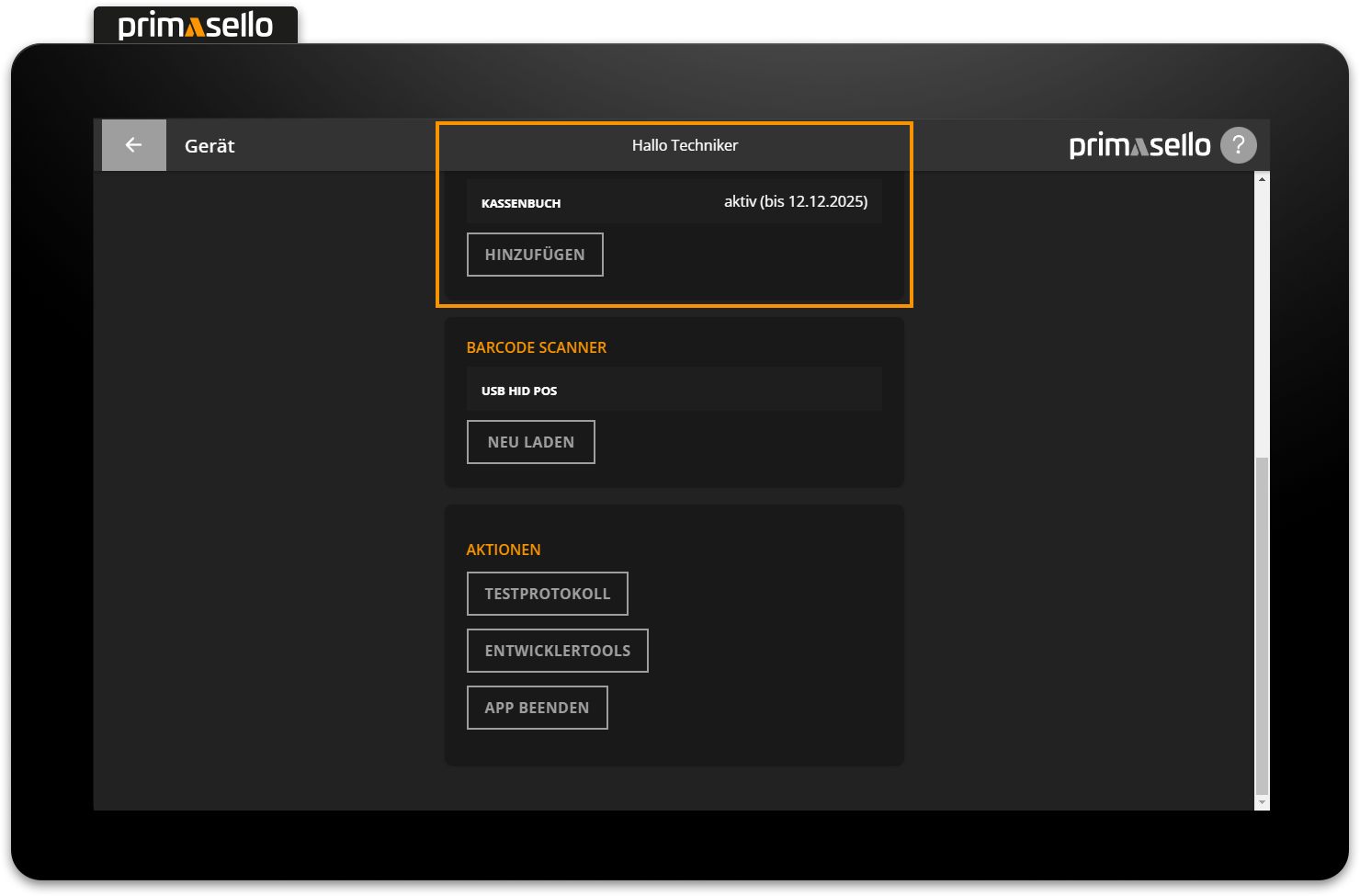
To add new additional modules, press the 'Add' button. A new window will open, prompting you to enter a 24-digit licence key.
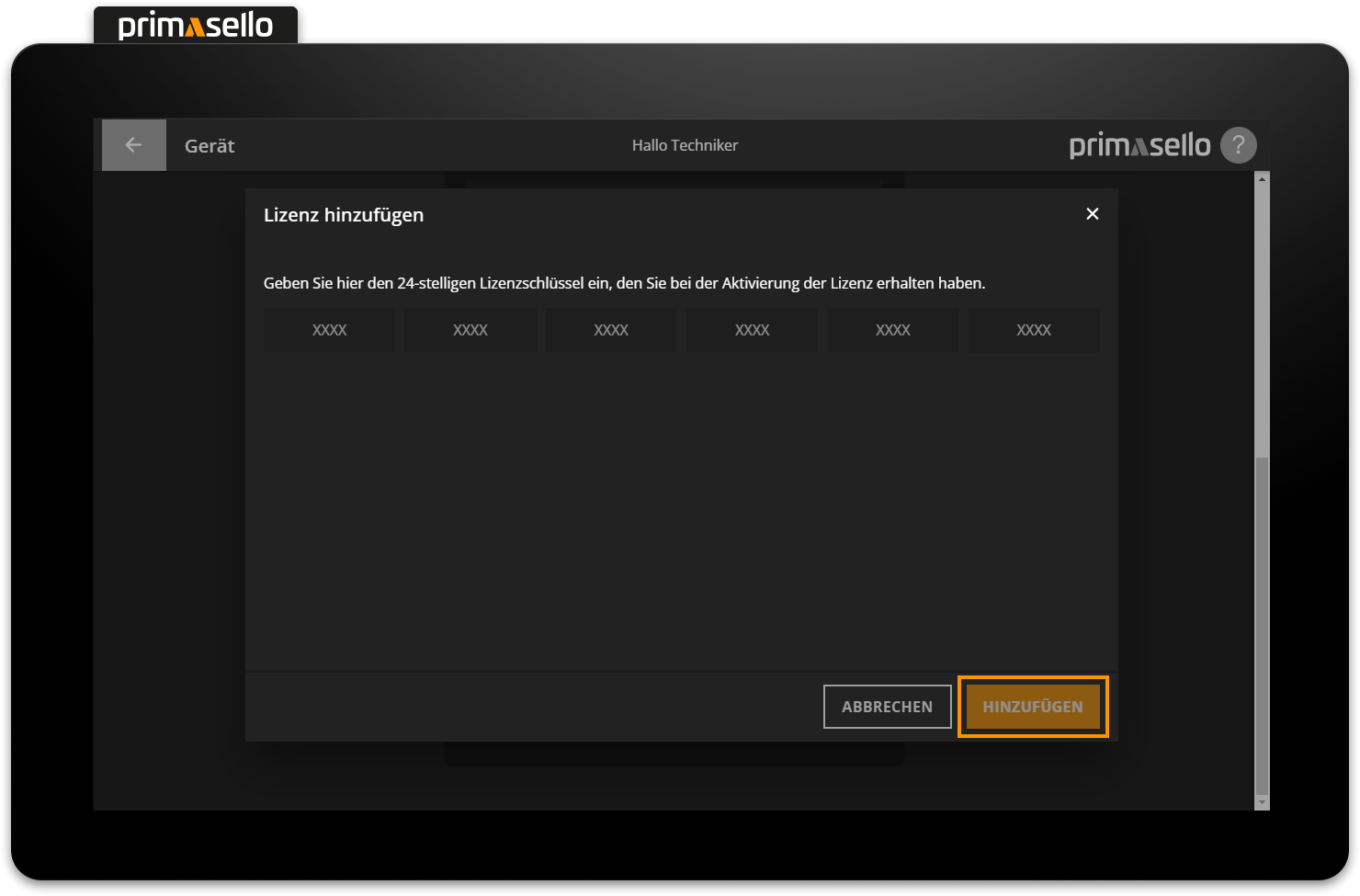
If the licence key is correct, the new acccessoires can be activated by pressing the orange ‘Add’ button in the lower right corner.
Next to the name of the added accessoires in the device overview, the status (active or inactive) and the expiry date of the licence key are displayed.
Reload register
After activating additional accessoires, the primasello cash register has to be reloaded before the new functions can be used.